

Overview
Comms are formal communications designed for structured, thoughtful content rather than quick messages. Unlike instant messaging in Slack, comms are intended for content that requires more consideration and typically has a broader or more permanent audience. Comms are commonly used for:- Product announcements
- Changelogs
- Blog posts
- Job postings
- Quarterly updates
- Client-facing communications
Creating a comm
Brivvy works where you work. Whether you prefer to create comms inside Brivvy or outside is entirely up to you.Creating with Brivvy
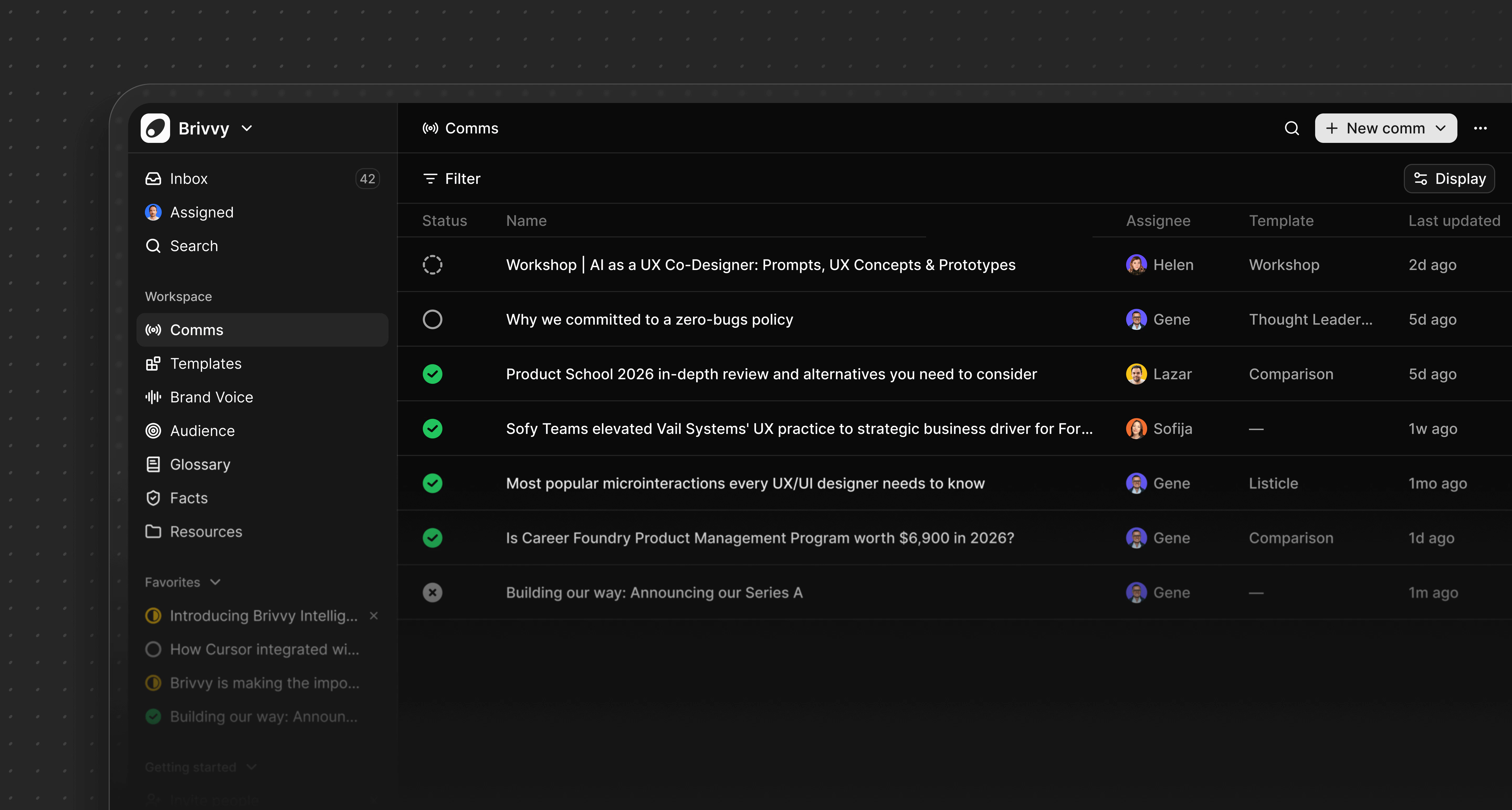
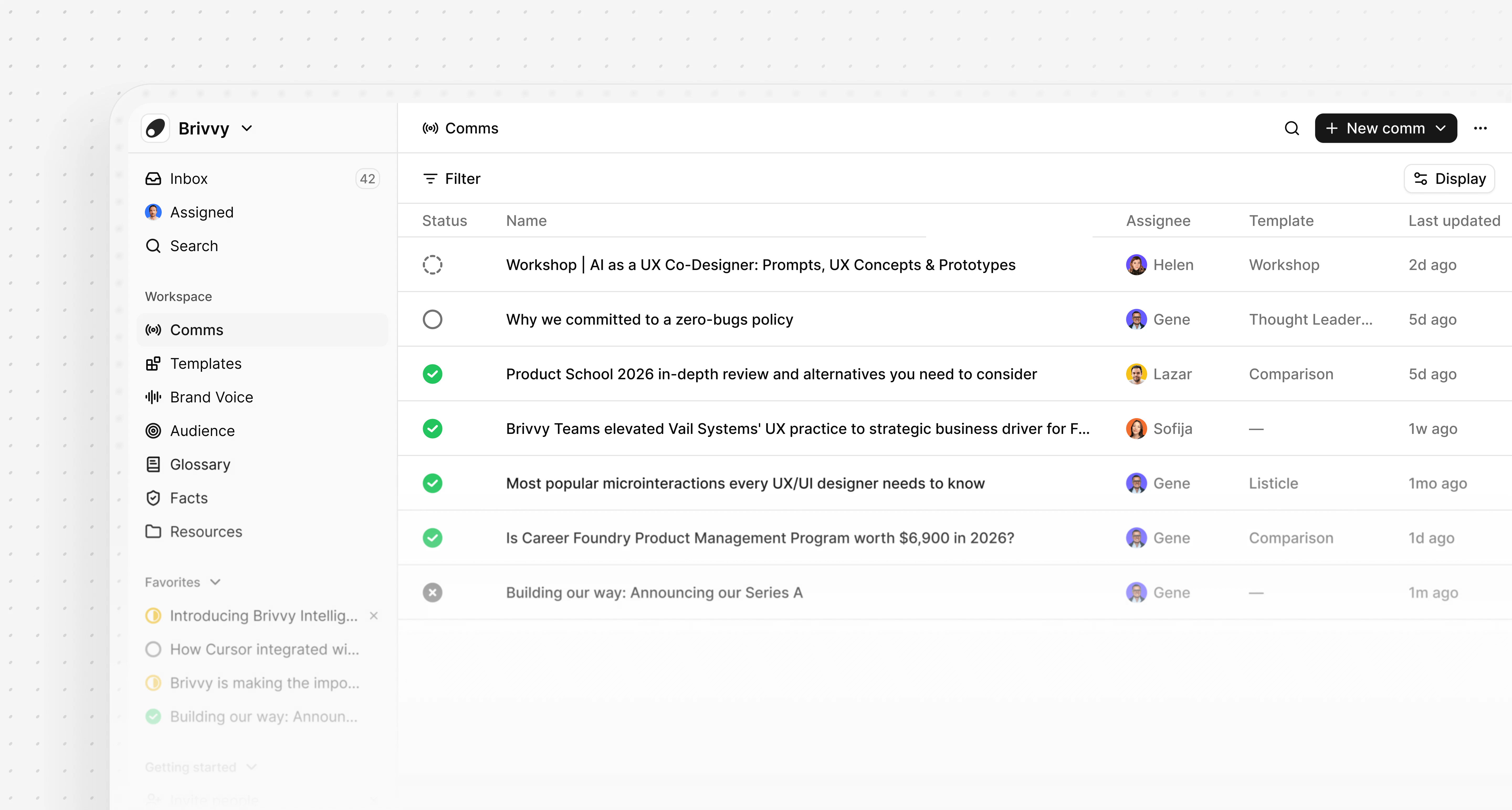
Navigate to the Comms page and click the New Comm button to open the comm creation interface.Creating with chat client
You’ll soon be able to create comms directly from AI clients like Claude or ChatGPT via the MCP server. When creating content in these AI clients, you can instruct them to create a comm in Brivvy, or the AI client will prompt you to save your work as a comm.Comm properties
Comms support the following properties:
When creating a comm, you can apply a template to structure your content. For example, you might create a changelog comm using your changelog template, or a blog post comm using your blog template.
Best practices
Since comms are designed for more formal, public-facing, or permanent communications:- Take time to review and refine your content before publishing
- Use appropriate templates to maintain consistency across similar comm types
- Assign comms to the appropriate team member for accountability
- Keep comm status updated to reflect the current stage of your communication