> ## Documentation Index
> Fetch the complete documentation index at: https://docs.brivvy.io/llms.txt
> Use this file to discover all available pages before exploring further.
# Share comm
> Generate a public link to share any comm outside your workspace, with full control over access.
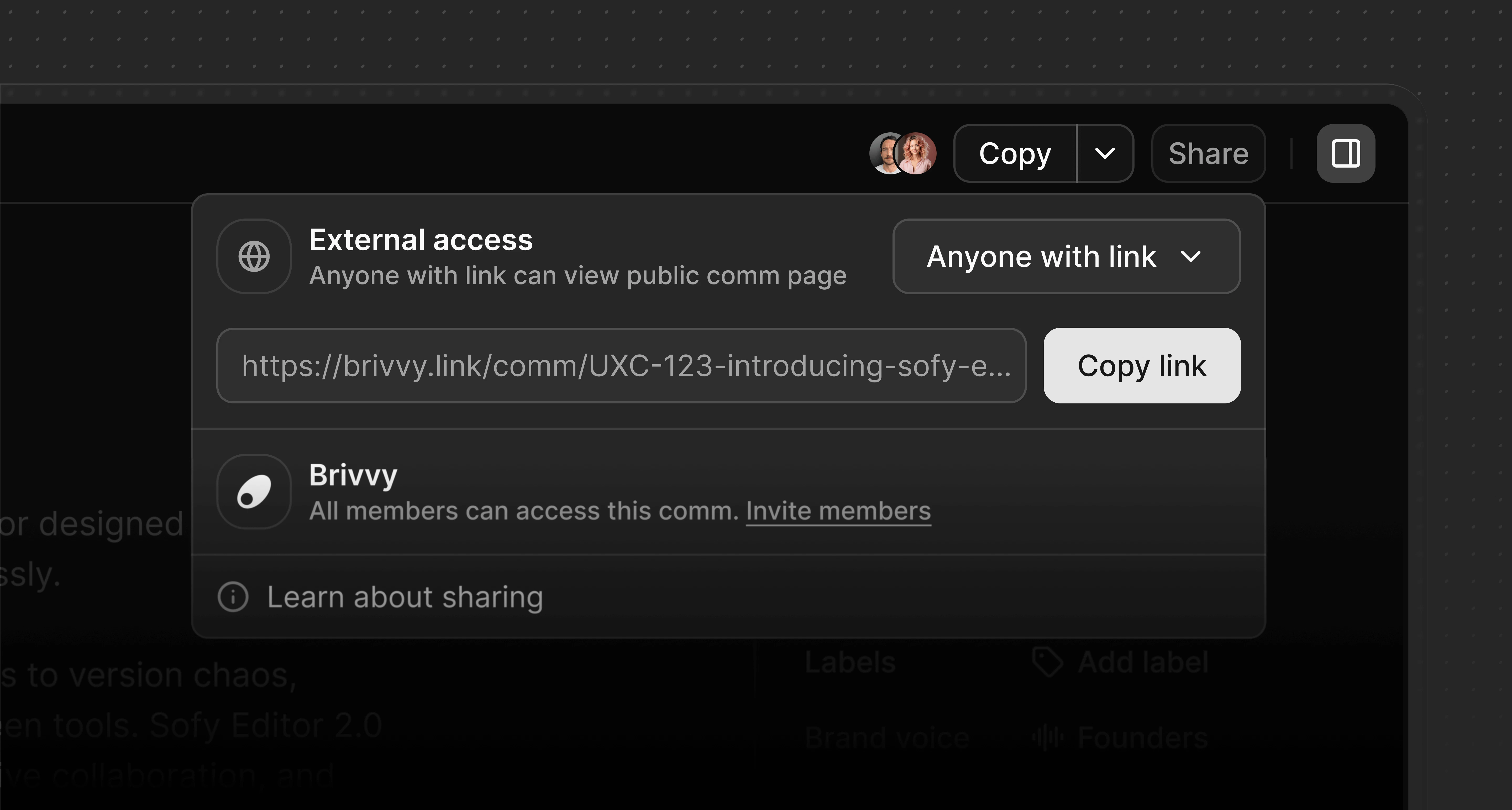
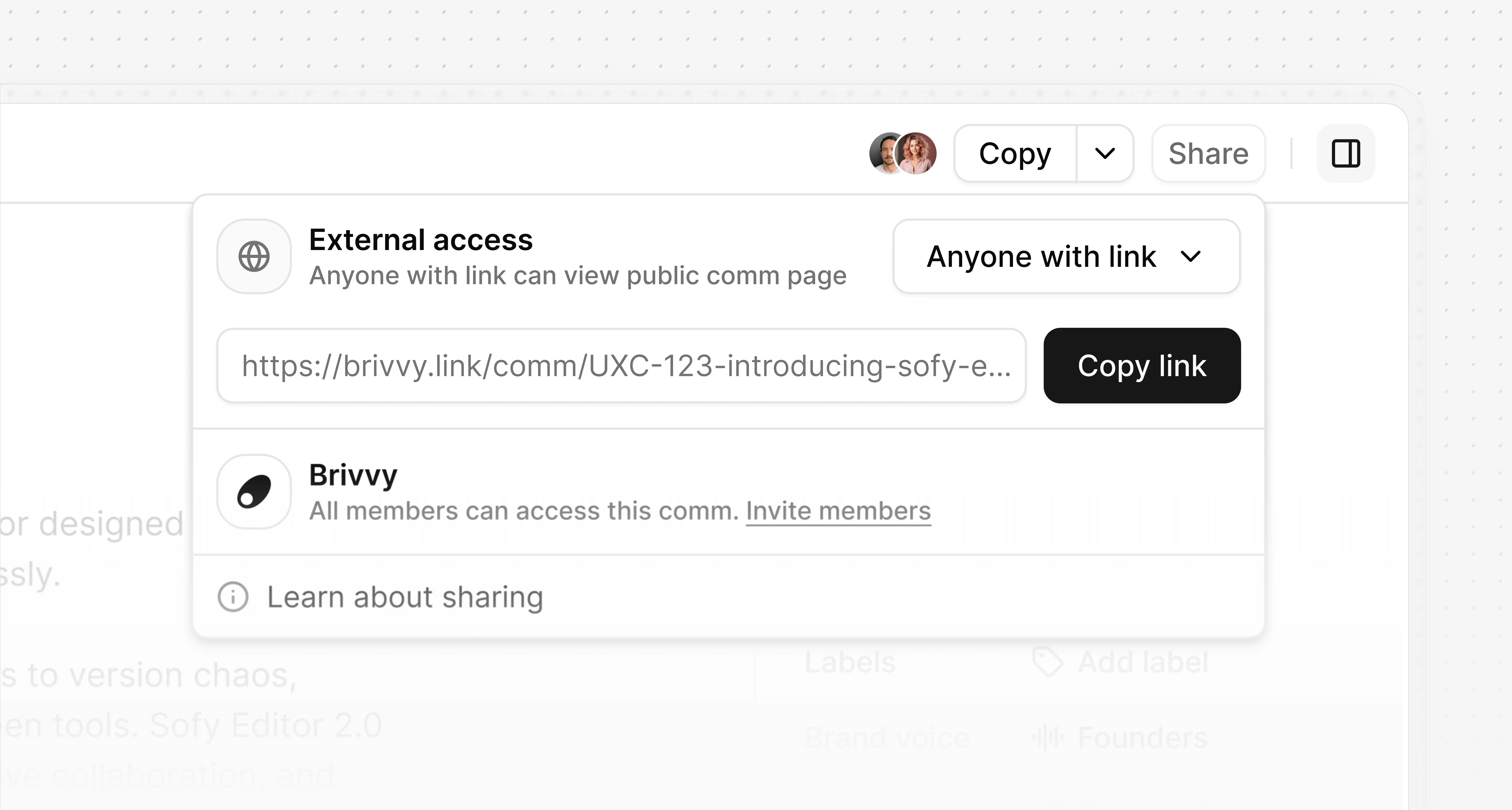 Comms can be shared externally as a read-only public page. This is useful for sending a polished communication to people outside an organization (investors, clients, agencies, partners or any third party) without giving them access to the workspace. Comms can be shared internally with workspace members or externally with anyone outside the organization. External sharing generates a public link to a read-only view of the comm — no Brivvy account required to view it.
## Share a comm externally
Any workspace member can share a comm externally.
Navigate to the comm to share.
Click **Share** in the top right of the comm.
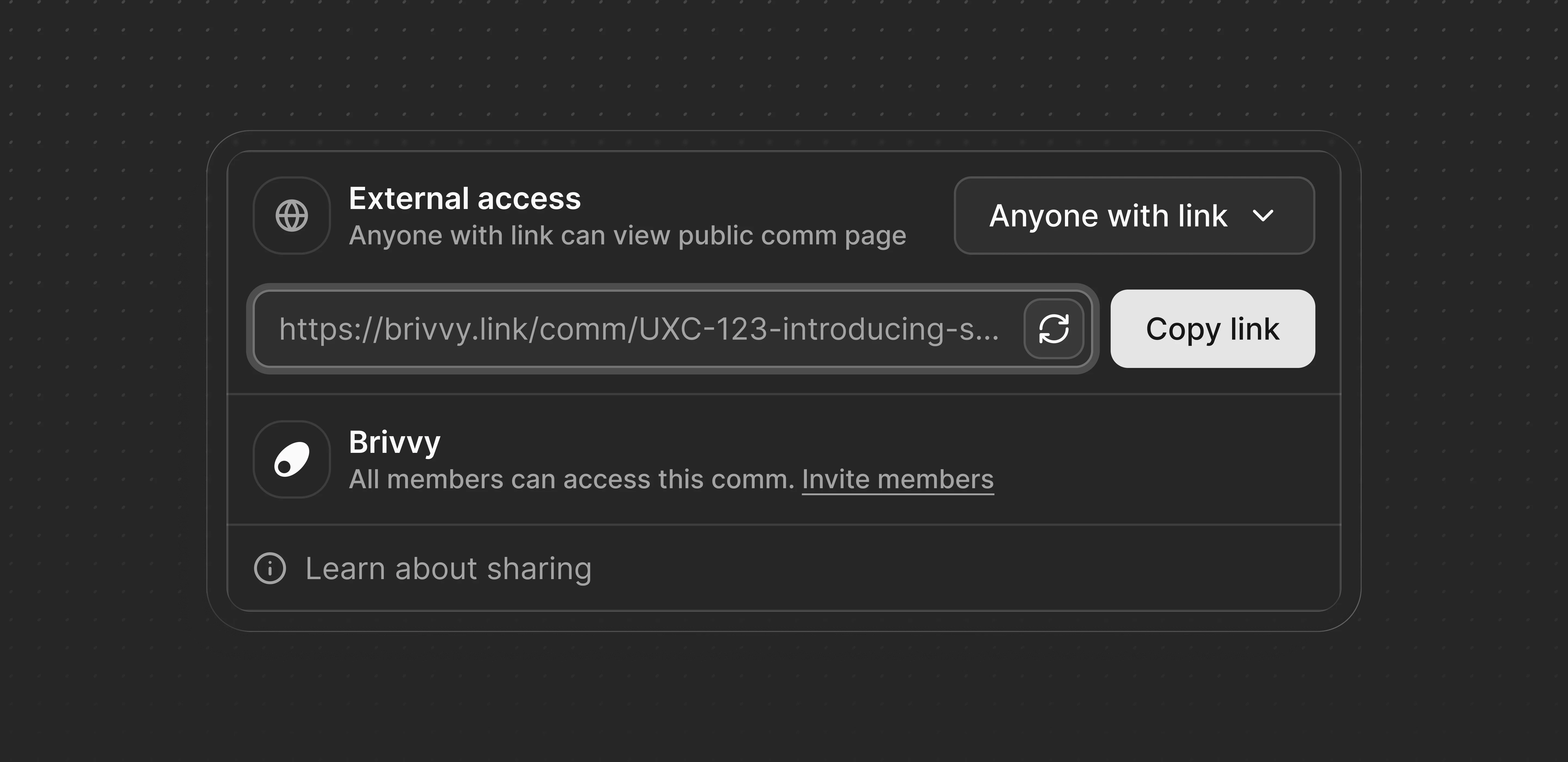
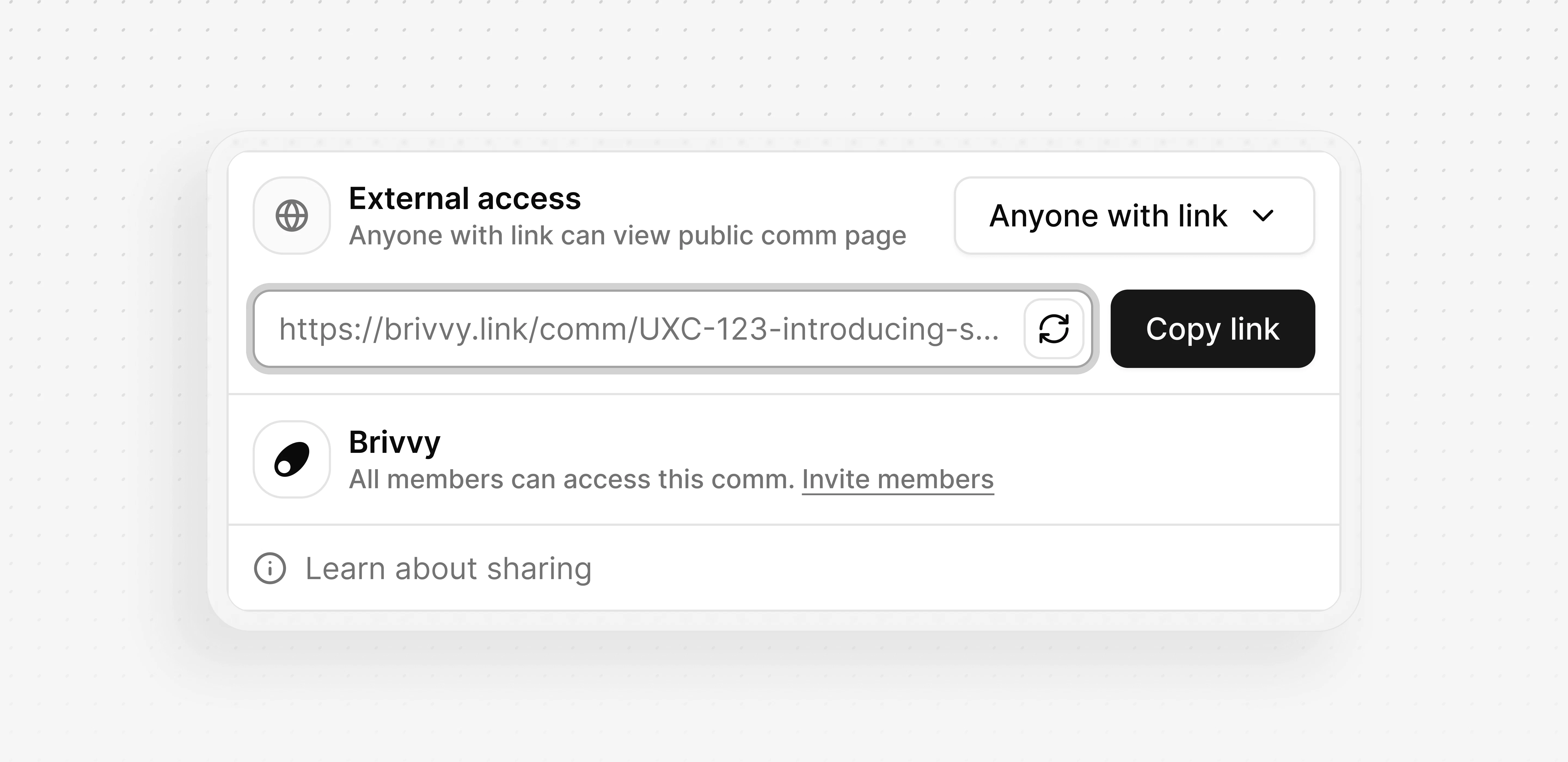
Under **External access**, open the dropdown and select **Anyone with link**. Brivvy automatically generates a public link.
Click **Copy link** and send it to recipients.
### What recipients see
Recipients who open a public comm link see a clean, read-only page with the full comm content. They cannot edit the comm, leave comments or access any other part of the workspace. An **Open app** button is visible to anyone who is already a workspace member.
Comms can be shared externally as a read-only public page. This is useful for sending a polished communication to people outside an organization (investors, clients, agencies, partners or any third party) without giving them access to the workspace. Comms can be shared internally with workspace members or externally with anyone outside the organization. External sharing generates a public link to a read-only view of the comm — no Brivvy account required to view it.
## Share a comm externally
Any workspace member can share a comm externally.
Navigate to the comm to share.
Click **Share** in the top right of the comm.
Under **External access**, open the dropdown and select **Anyone with link**. Brivvy automatically generates a public link.
Click **Copy link** and send it to recipients.
### What recipients see
Recipients who open a public comm link see a clean, read-only page with the full comm content. They cannot edit the comm, leave comments or access any other part of the workspace. An **Open app** button is visible to anyone who is already a workspace member.
 ## Manage access
### Disable external access
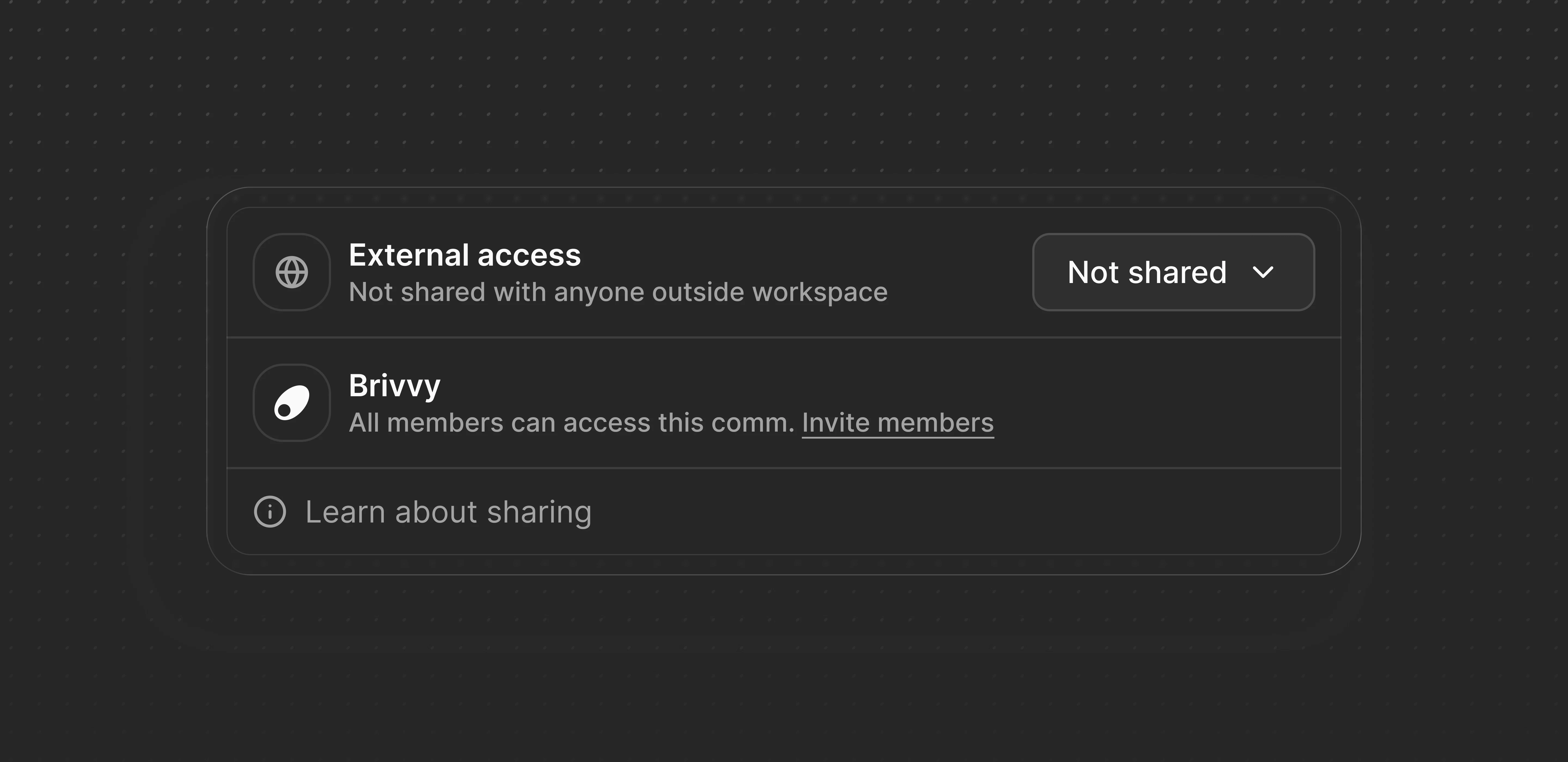
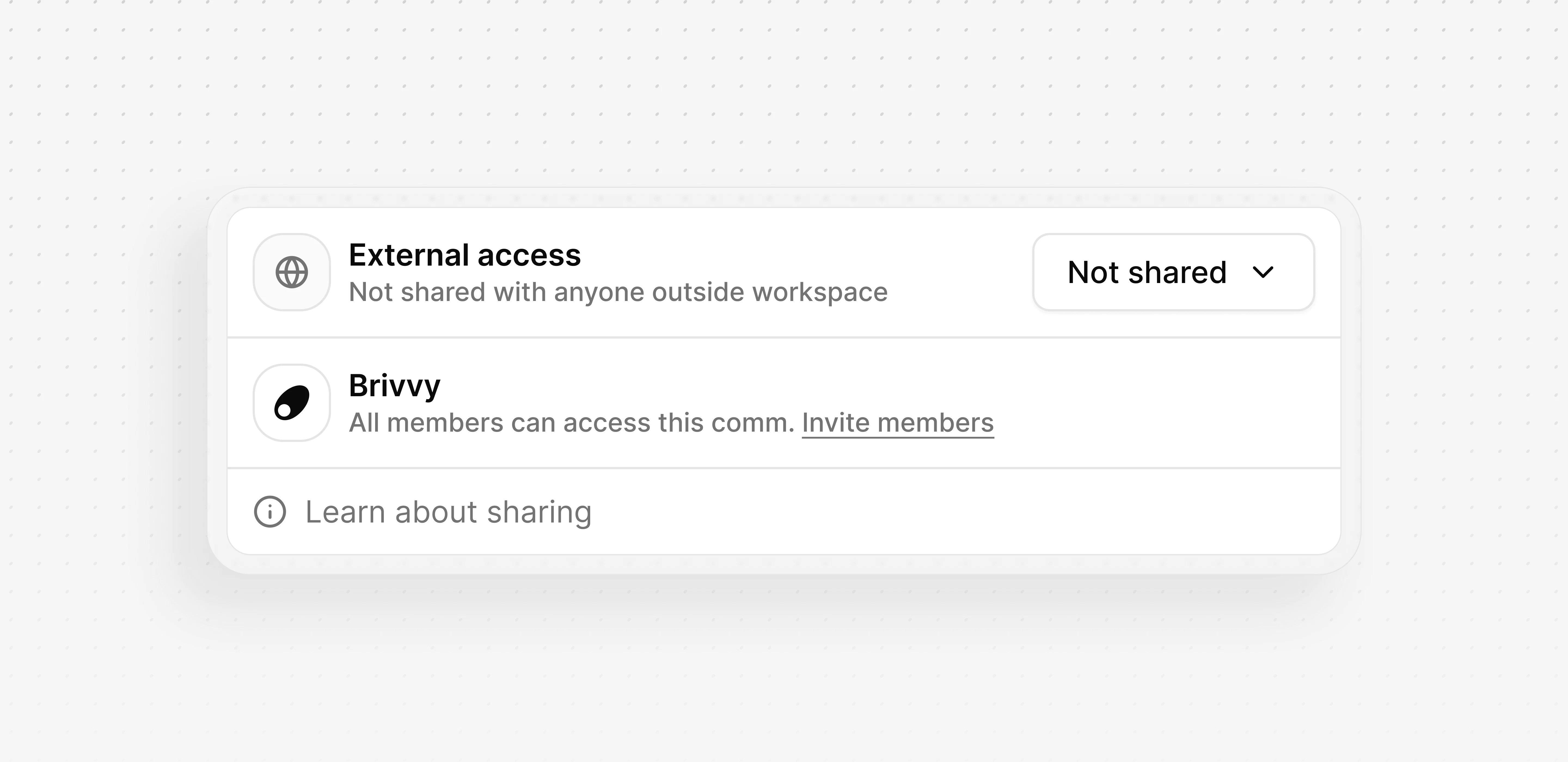
To revoke access, open the share menu and change the **External access** dropdown back to **Not shared**. The link is disabled immediately and anyone who previously had it will no longer be able to view the comm.
### Regenerate the link
To invalidate an existing link without disabling access entirely, click the regenerate icon next to the link field. Brivvy generates a new link and the previous one stops working immediately.
## Manage access
### Disable external access
To revoke access, open the share menu and change the **External access** dropdown back to **Not shared**. The link is disabled immediately and anyone who previously had it will no longer be able to view the comm.
### Regenerate the link
To invalidate an existing link without disabling access entirely, click the regenerate icon next to the link field. Brivvy generates a new link and the previous one stops working immediately.
 Regenerating a link cannot be undone. Anyone with the old link loses access as soon as the new link is generated.
## Plan availability
External sharing is available on all Brivvy plans.
Regenerating a link cannot be undone. Anyone with the old link loses access as soon as the new link is generated.
## Plan availability
External sharing is available on all Brivvy plans.