> ## Documentation Index
> Fetch the complete documentation index at: https://docs.brivvy.io/llms.txt
> Use this file to discover all available pages before exploring further.
# Brivvy Concepts
> Gain a basic understanding of Brivvy's design so teams can set up their workspace and navigate efficiently.
## Workspace
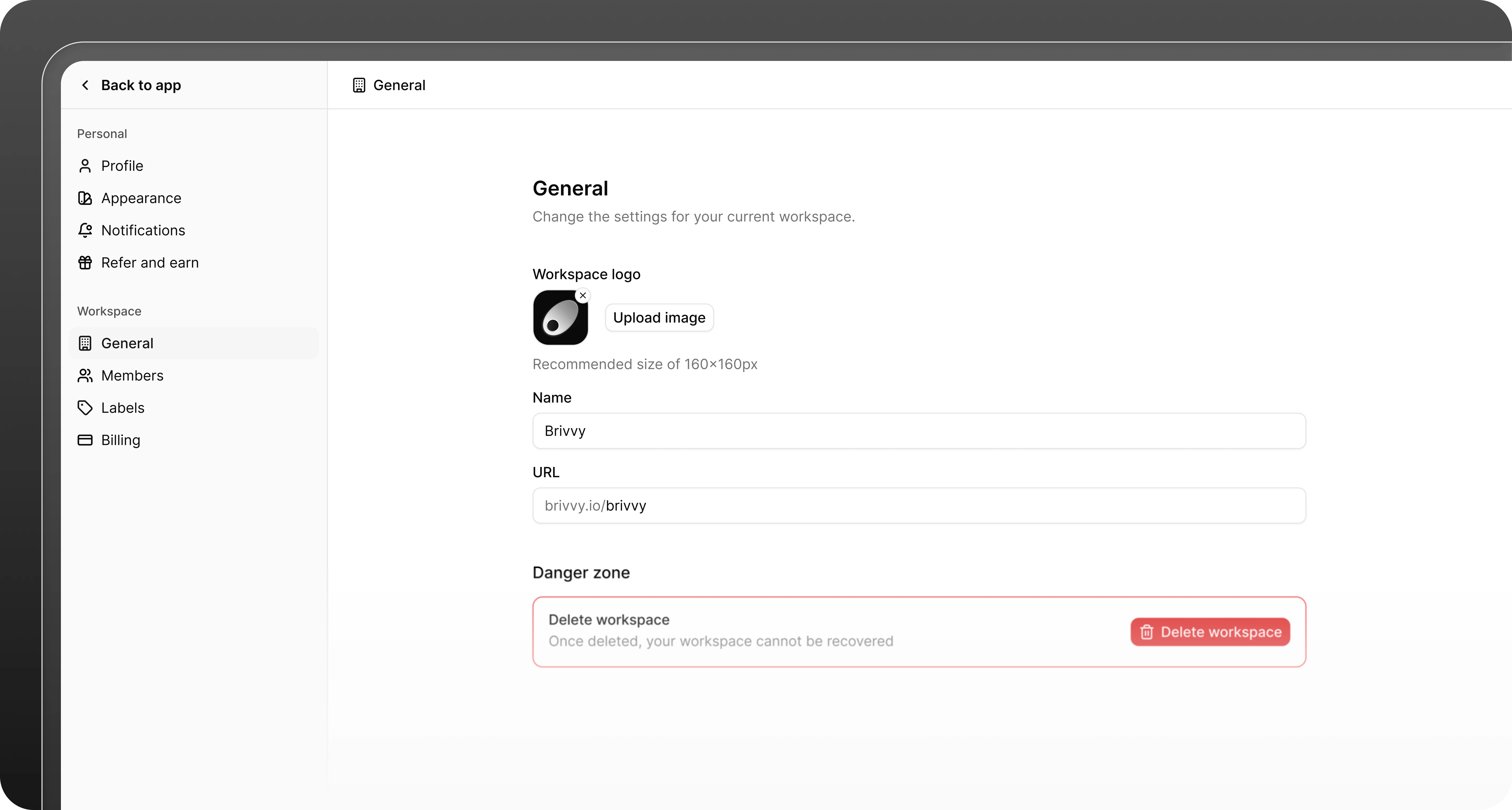
A [workspace](/workspaces) holds all your templates, voices and other data for you and your team. You can be a member of multiple workspaces, but each has its own subscription and data.
 ## Members
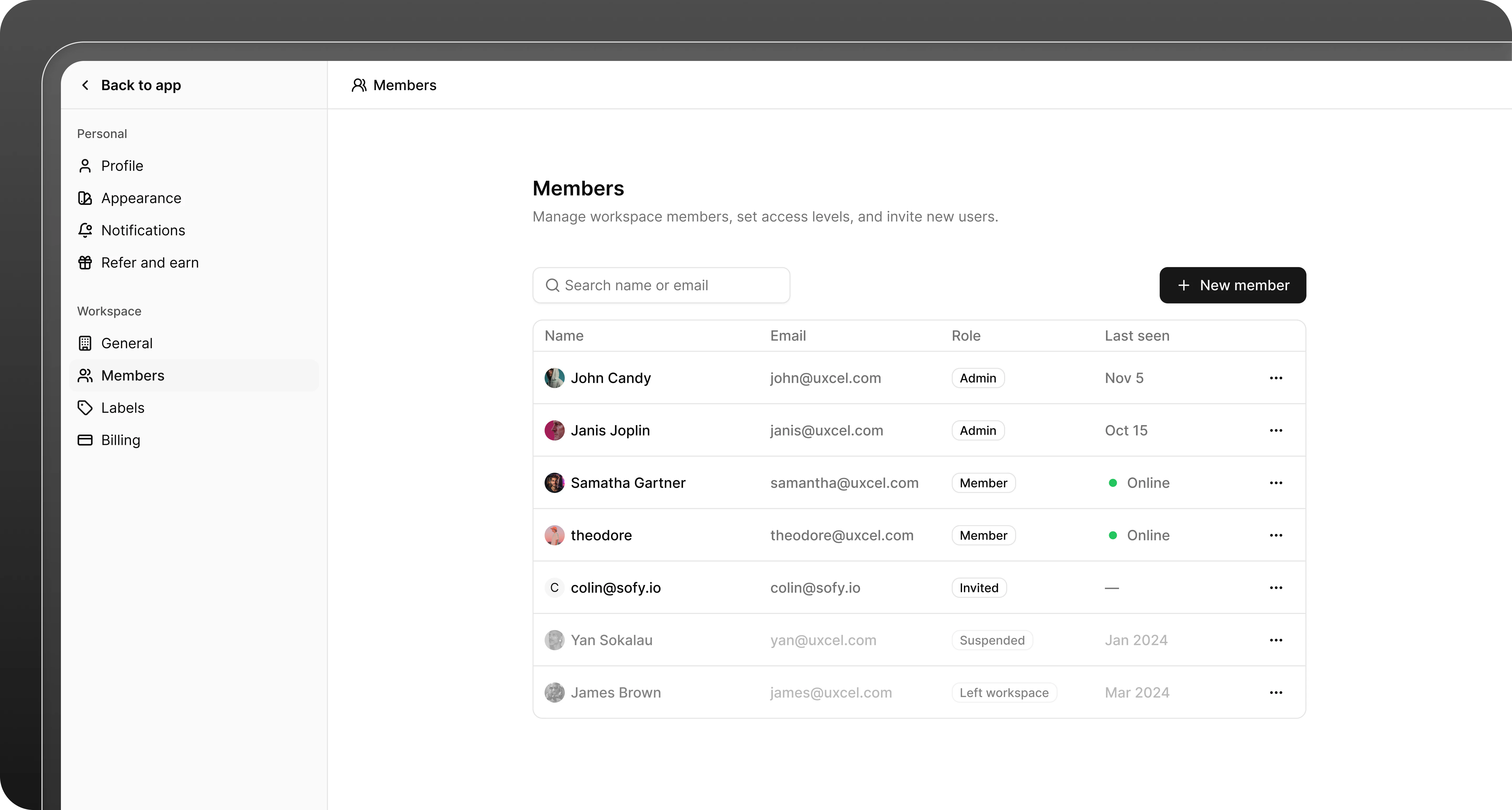
[Members](/members-roles) are the users in your workspace who can view and take actions in Brivvy. Brivvy offers two types of roles for members, Admins and Members.
## Members
[Members](/members-roles) are the users in your workspace who can view and take actions in Brivvy. Brivvy offers two types of roles for members, Admins and Members.
 ## Voices
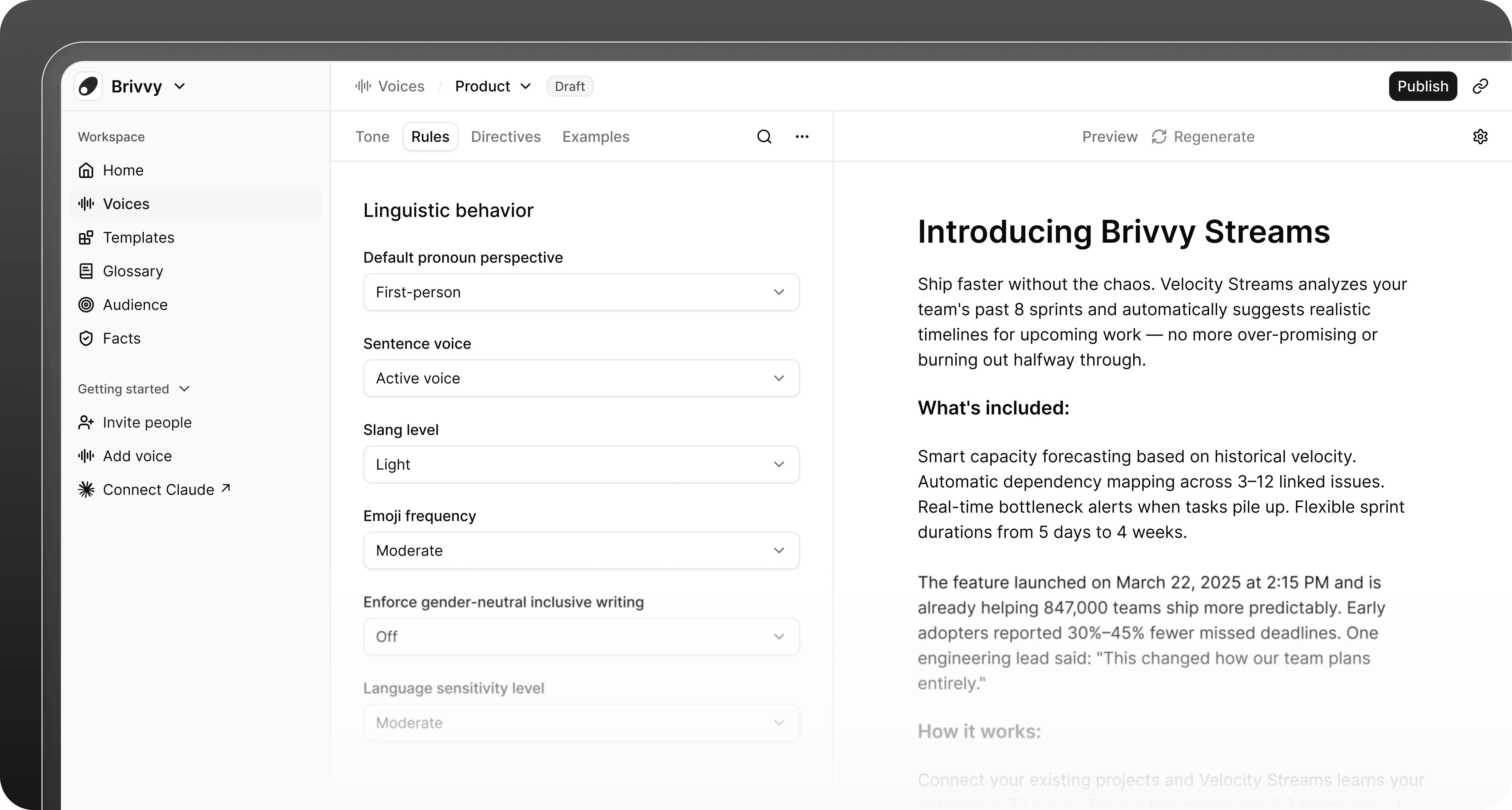
[Voices](/voices) define how your team sounds. You can create multiple voices to serve different use cases, such as a technical voice for documentation, a warm voice for marketing or a concise voice for social media. AI tools connected through the MCP server use your voices to generate on-brand content.
## Voices
[Voices](/voices) define how your team sounds. You can create multiple voices to serve different use cases, such as a technical voice for documentation, a warm voice for marketing or a concise voice for social media. AI tools connected through the MCP server use your voices to generate on-brand content.
 ## Templates
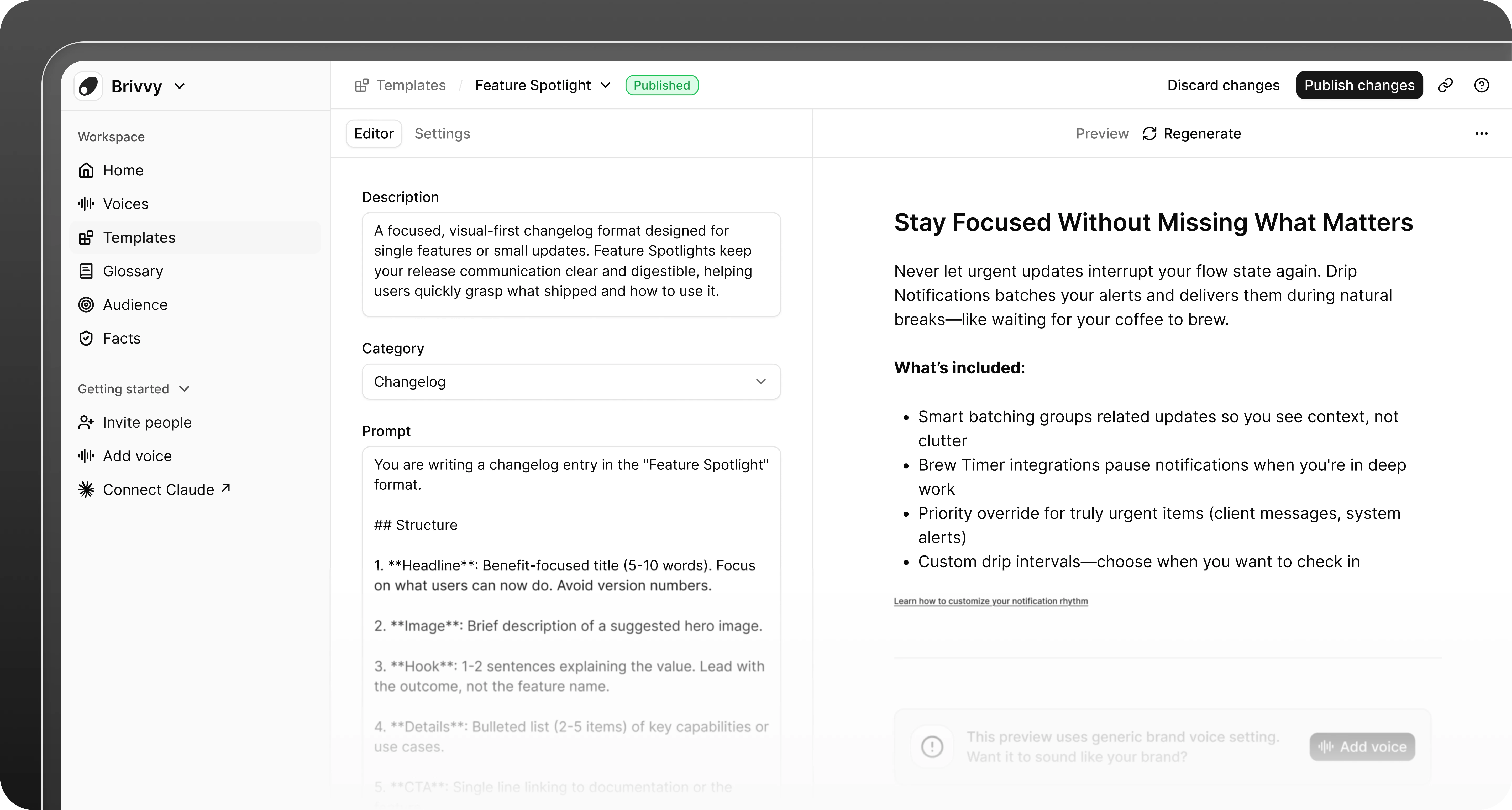
A [template](/create-template) is a reusable structure for a specific content type. It defines format and organization, not voice. Your team can use templates to standardize blog posts, product updates, documentation and more.
## Templates
A [template](/create-template) is a reusable structure for a specific content type. It defines format and organization, not voice. Your team can use templates to standardize blog posts, product updates, documentation and more.
 ## Labels
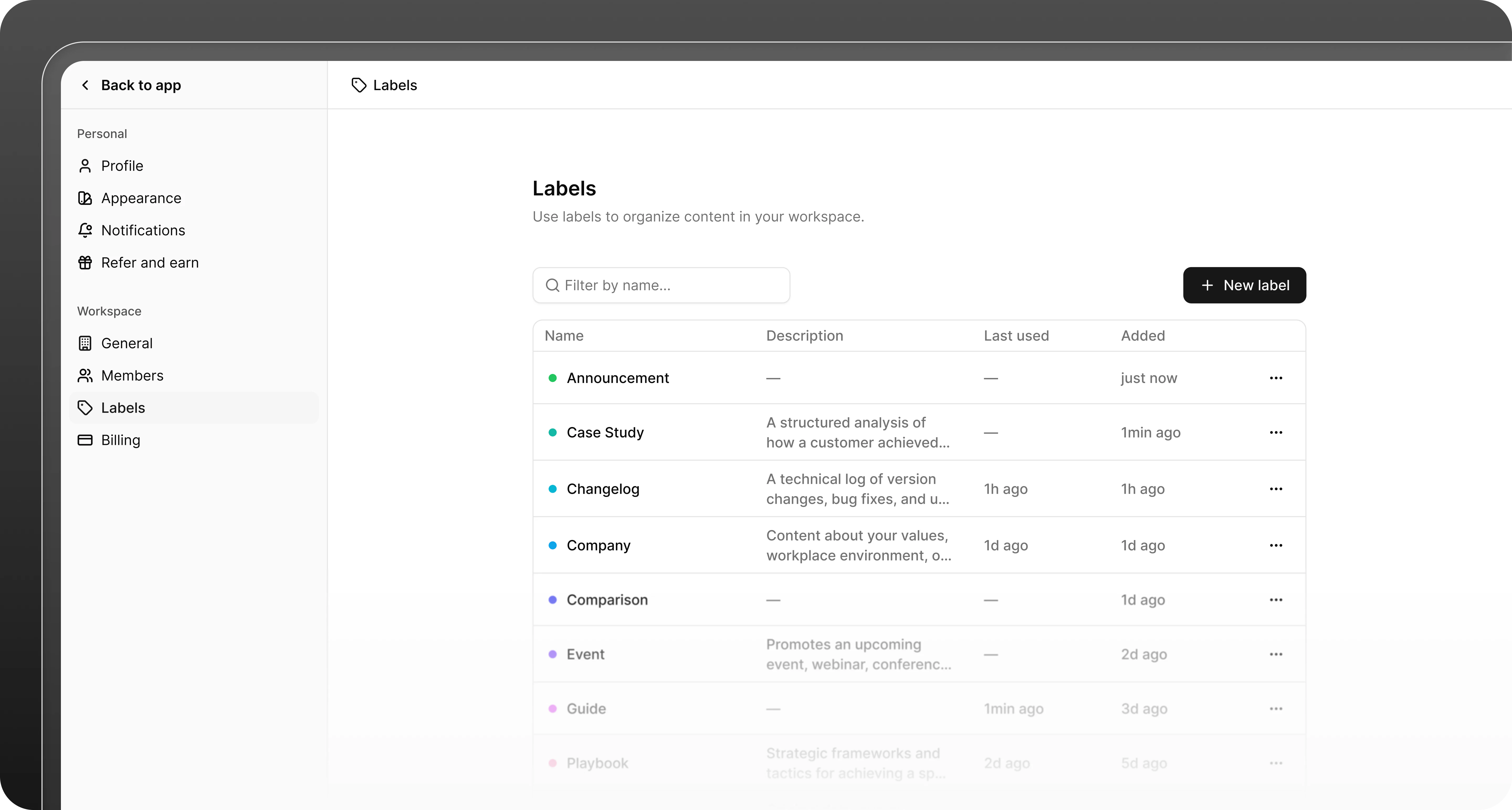
A label is a tag you apply to templates and other items in your workspace. Use labels to organize content by theme, audience, department or any category that fits your workflow.
## Labels
A label is a tag you apply to templates and other items in your workspace. Use labels to organize content by theme, audience, department or any category that fits your workflow.
 ## MCP Server
The [MCP server](/mcp-server) connects your Brivvy workspace to AI tools like Claude, ChatGPT and Cursor. Once connected, these tools can access your voices and templates to generate on-brand content without leaving your workflow.
## MCP Server
The [MCP server](/mcp-server) connects your Brivvy workspace to AI tools like Claude, ChatGPT and Cursor. Once connected, these tools can access your voices and templates to generate on-brand content without leaving your workflow.